How To Safely Pack Your Electronics for a Move
Moving day can be tough, especially when it comes to protecting your electronics. These devices are valuable and often hold important memories and information. If you want to safely pack your electronics for a move, start with a careful plan so everything arrives ready to use in your new home.
Back Up Essential Data
Hardware is replaceable, but lost family photos and critical documents are not. Before you disconnect any cables, perform a full backup of your computers, tablets, and phones. Use an external hard drive or a secure cloud service to store your files. If a device suffers physical damage during transit, your information remains secure and accessible, preventing a complete loss.
Document the Setup
Reconnecting a complex entertainment system or desktop setup can be frustrating when you cannot remember which wire goes where. Snap several clear photos of the cord configurations on the back of your devices before unplugging anything. These reference images help you put everything back together quickly at your new home. You can also wrap colored tape around each cord end and its corresponding port to make matching them simple later.
Utilize Original Packaging
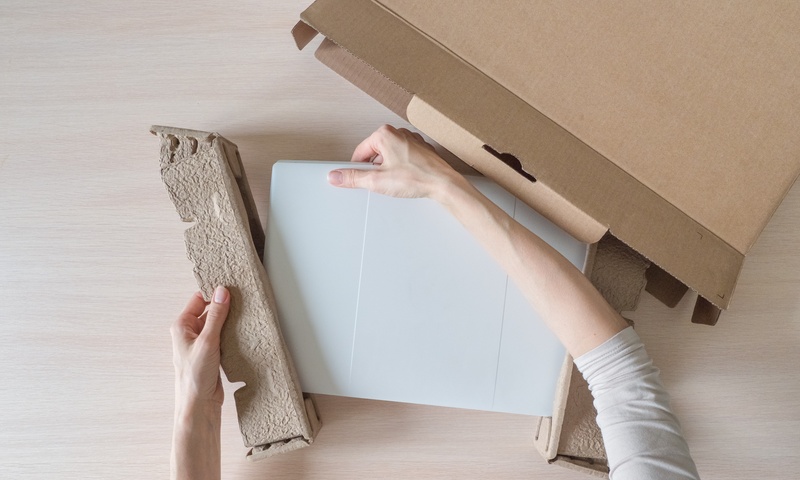
Factory packaging offers the absolute best protection because manufacturers design the internal styrofoam to cradle specific dimensions. This superior protection is the primary reason why you should keep the box for your new electronics immediately after purchase. If you have the original boxes, use them. They prevent shifting and absorb impact far better than generic moving cartons.
Select Anti-Static Materials
Static electricity poses a silent, invisible threat to internal computer components. Standard plastic bubble wrap and foam packing peanuts often generate static charges that can fry motherboards or hard drives upon contact. Purchase specialized pink anti-static bubble wrap for wrapping monitors and gaming consoles. Always fill empty spaces in the box with crumpled packing paper or specific anti-static packing materials to stop movement without risk.
Control the Temperature
Extreme heat or cold can warp internal components and damage batteries. Avoid packing sensitive devices in the back of a moving truck that lacks climate control, especially during peak summer or winter months. Transport these items in your personal vehicle, where you can regulate the temperature and keep an eye on them.
No one wants to pay for a new device they didn’t anticipate needing after moving homes. When you safely pack your electronics for a move, you’re protecting your favorite devices and the memories and work they hold. Take a thoughtful approach so you can enjoy your electronics from day one in your new place.
Would you like to receive similar articles by email?

Paul Tomaszewski
Paul Tomaszewski is a science & tech writer as well as a programmer and entrepreneur. He is the founder and editor-in-chief of CosmoBC. He has a degree in computer science from John Abbott College, a bachelor's degree in technology from the Memorial University of Newfoundland, and completed some business and economics classes at Concordia University in Montreal. While in college he was the vice-president of the Astronomy Club. In his spare time he is an amateur astronomer and enjoys reading or watching science-fiction. You can follow him on LinkedIn and Twitter.


You May Also Like

Understanding Electromagnetic Interference and Its Impacts
What Is a Protocol Converter and How to Choose One