3 Reasons to Get a Custom Facebook URL for Your Page or Profile
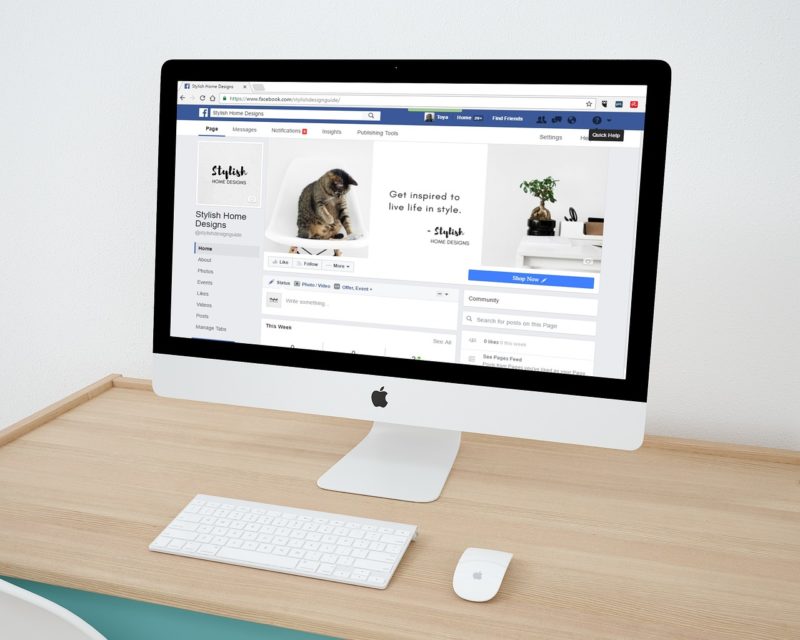
A custom Facebook URL is a short and unique vanity username that you can choose to replace the long link that gets automatically assigned to you by default.
For example, what looks like this:
https://www.facebook.com/pages/the-name-of-your-page/the-id-number-facebook-gave-you/
Can look like this:
https://www.facebook.com/the.name.you.want/
Now if that isn’t enough to convince you, here are three more reasons that hopefully will:
1. It’s free and quick to set up
You don’t have to buy anything, simply claim your custom username and it’s usually done in just a few steps.
(Note: Facebook may require your account or Page to meet certain criteria such as authenticity, account history, or policy compliance before allowing a custom username. Availability of the name you want also matters, and some changes may be limited once set.)
2. It’s easier to remember
Well, this is pretty obvious. A short and meaningful username is much more memorable than a bunch of numbers. Also your custom username will fit on a business card or could easily be displayed in a video or image. It would also look more professional.
On the other hand, if you use the default Facebook URL, it would probably discourage most people from typing a long or unclear link just to get to your page or profile. Therefore it is really important to make it as simple as possible for your clients or fans to reach your page and for your friends to find your profile.
In addition, having a clear username can improve your discoverability in Facebook search and helps keep your branding consistent across other platforms like Instagram or TikTok.
3. Secure your brand and/or your name
Often it happens that someone will claim lots of usernames, perhaps including yours, in the hopes of selling them for money. This is called “name squatting” or “cybersquatting”. Although Facebook has strict rules to prevent this type of issue, it can still happen occasionally. So why risk it? Better be safe than sorry!
There is also the fact that it is very likely that out of the billions of Facebook users worldwide at least a few have the exact same name as you. Facebook’s policy in this matter can be summed up as “first come, first served”. So hurry up!
(That said, Facebook now disables inactive or spammy usernames, which has reduced the risk of cybersquatting significantly.)
Alright, you convinced me! How do I get my custom Facebook URL?
Well it’s simple. Just go to https://facebook.com/ and reserve the username you have picked. It’s a pretty straightforward process, so all you have to do is go to facebook.com/username, log into your account, and follow the on-screen instructions to choose a username for your profile or page.
Alternatively:
- For profiles: Go to Settings → Username
- For Pages: Go to Page Settings → Page Info → Username
- Steps may vary slightly on mobile vs desktop.
Remember, custom URLs on Facebook can only contain alphanumeric characters (A-Z, 0-9) or a period. No spaces, underscores, or most special characters are allowed.
It is also worth noting that not only Facebook pages can get custom URLs, but also individual profiles. However, for public presence or branding purposes, Facebook Pages are often more suitable than personal profiles. Pages also provide access to analytics, advertising tools, and business features.
Before choosing a username, it’s a good idea to check availability on other social platforms to keep your branding consistent everywhere.
So hurry up before someone else registers your name and/or brand!
Would you like to receive similar articles by email?

Paul Tomaszewski
Paul Tomaszewski is a science & tech writer as well as a programmer and entrepreneur. He is the founder and editor-in-chief of CosmoBC. He has a degree in computer science from John Abbott College, a bachelor's degree in technology from the Memorial University of Newfoundland, and completed some business and economics classes at Concordia University in Montreal. While in college he was the vice-president of the Astronomy Club. In his spare time he is an amateur astronomer and enjoys reading or watching science-fiction. You can follow him on LinkedIn and Twitter.


You May Also Like

7 Best WordPress Hosts for Peak Speed
How to Choose the Right CMS Platform in 2026 (Even If You’re Not Technical)